|
|
|
|
The two biggest AI labs both shipped major updates this week. Claude Opus 4.8 lands with a new effort dial and three-times-cheaper fast mode, while OpenAI rolls out invisible watermarks for AI images plus a public verification tool. Plus a Codex vs Claude Code breakdown, six fresh launches, and three deep dives worth your time.
In This Issue:
- 💥Big News: Claude Opus 4.8 lands with new effort controls and cheaper fast mode, plus OpenAI ships watermarks and a verification tool for AI-generated images
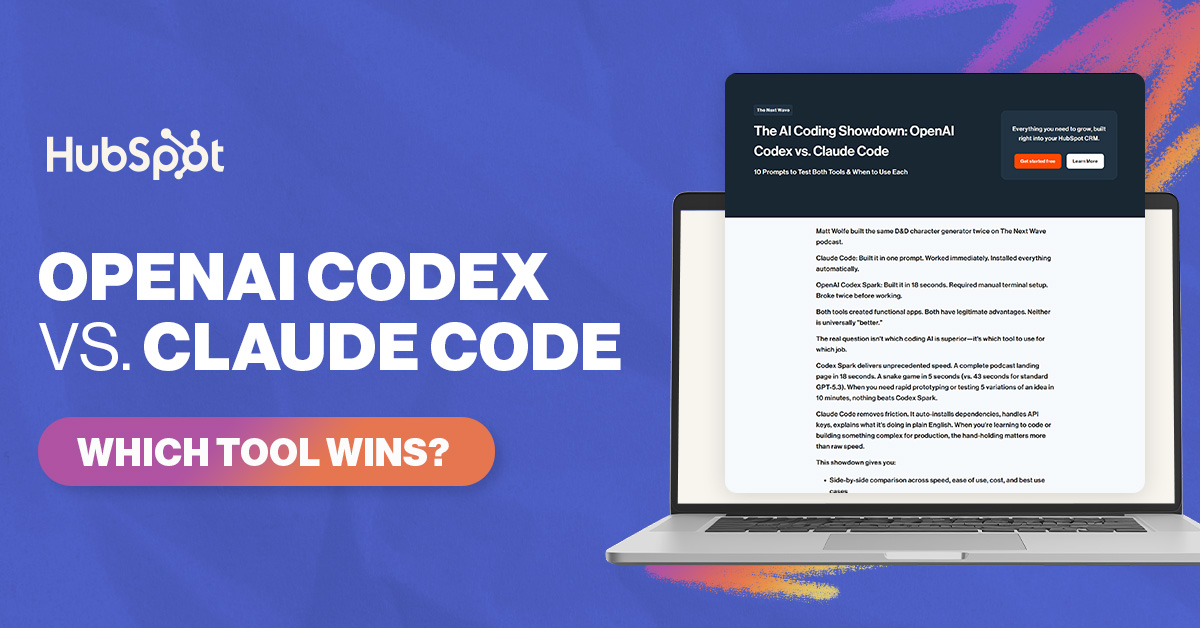
- ✨Weekly Spotlight: Matt Wolfe's head-to-head breakdown of OpenAI Codex vs Claude Code, with 6 criteria to help you pick the right one
- 🔥Trending Tools: Six fresh launches covering AI email campaigns, shared agent memory, AI app building, lead scoring, workflow automation, and product ticketing
- 🛠️Deep Dives: Pictory for fast video creation, Chorus for sales call intelligence, and Topaz Labs for next-gen photo and video enhancement
|
💥 Big News
Anthropic just rolled out Claude Opus 4.8, and the most useful change for everyday users is a new dial that lets you decide how hard Claude should think. Crank it up to "max" when you want a thorough answer on a tough problem, or dial it down for quicker replies that don't eat through your usage limits.
"Fast mode," which runs at about 2.5x the speed of the regular model, just got three times cheaper than it was on previous versions. Base pricing stays the same as Opus 4.7, so you get better answers without paying more.
The bigger shift might be honesty. Anthropic says Opus 4.8 is about four times less likely to let buggy code slip past unnoticed, and it's more willing to flag uncertainty instead of confidently bluffing its way through an answer. 
Why it matters:
- New effort control lets you pick deep thinking or fast replies.
- Fast mode is three times cheaper with no change to base pricing.
- Less bluffing, more honest flags when Claude isn't sure.
Read more →
Telling a real photo from an AI-generated one is about to get a lot easier. OpenAI is now stamping two invisible signals into every image made with ChatGPT, Codex, or the OpenAI API. The first is metadata called C2PA that records where the image came from. The second is Google DeepMind's SynthID, a watermark hidden inside the pixels that survives screenshots, resizing, and file conversions.
There's also a new public tool at openai.com/verify that anyone can use. Drop in an image and it tells you whether it was generated by OpenAI. Right now it only catches OpenAI content, but the company says cross-industry verification (for images from Anthropic, Google, and others) is on the roadmap.
Google is going further. The same checks are being built directly into Google Search and Chrome, so in the months ahead you may see provenance flags appear next to suspicious images in your browser without needing any extra tools. 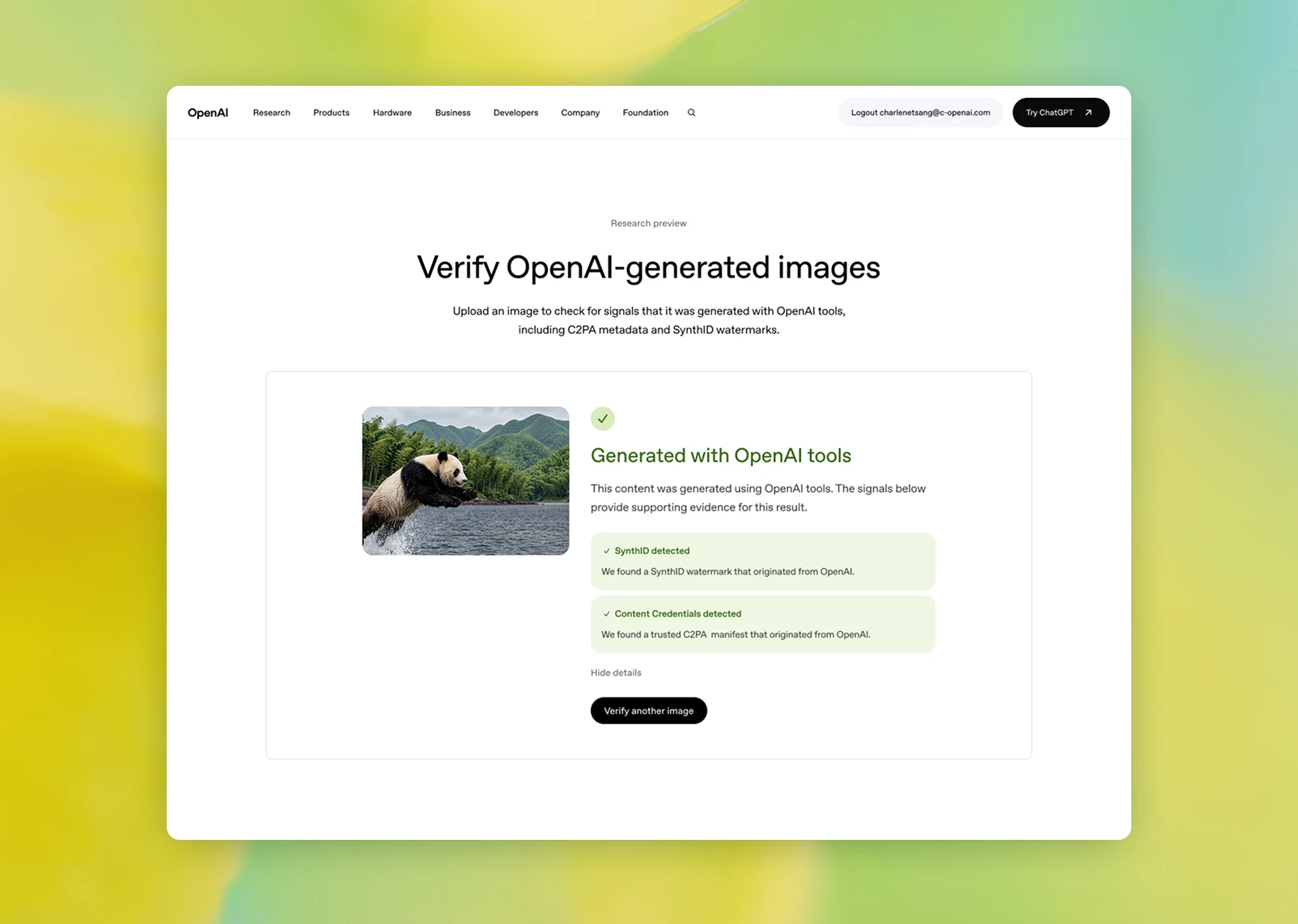
Why it matters:
- Hidden SynthID watermarks survive screenshots and edits.
- A public Verify tool lets anyone check if an image is from OpenAI.
- Same checks are coming to Google Search and Chrome soon.
Read more →
|
✨ Weekly Spotlight
Stop guessing which AI coding tool is right for you.
OpenAI Codex and Claude Code are the two most capable AI coding assistants available right now. But they're built differently, priced differently, and optimized for different workflows. AI expert Matt Wolfe broke down exactly how to choose between them.
Key Takeaways:
- Compare raw code generation speed across both tools.
- Evaluate setup friction before you commit to a workflow.
- Understand which model handles your actual use cases.
- Identify where each tool breaks down under real conditions.
- Apply 6 decision criteria to pick the right assistant.
|
|
|
🛠️ Deep Dives
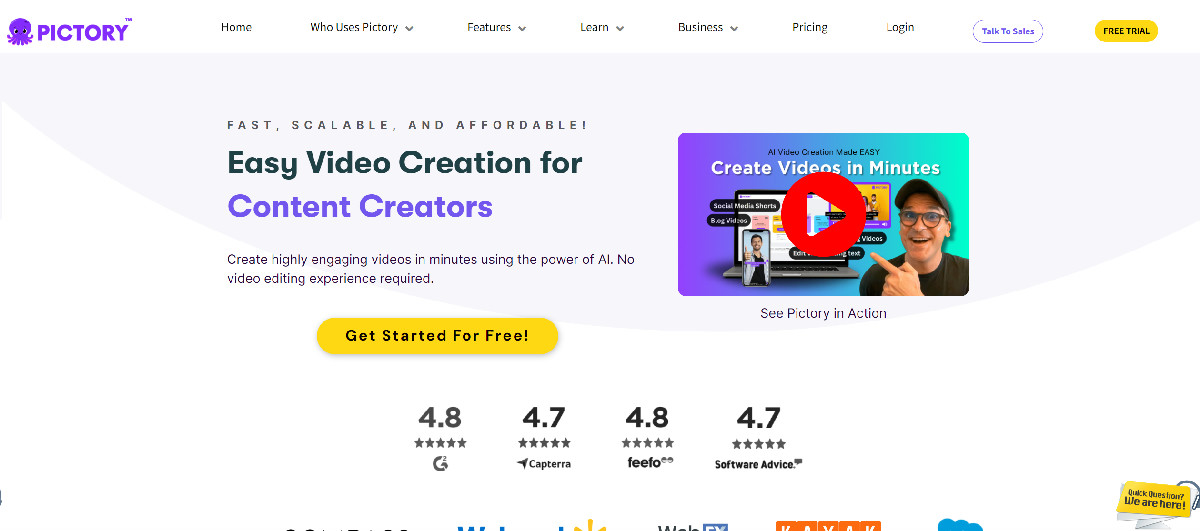
1. Pictory: Spin scripts, blog posts, and long videos into share-ready clips without ever touching a timeline.
Why It's Worth Your Time:
- Multiple starting points: Drop in an article, script, PowerPoint, or raw audio file and Pictory routes each one through a purpose-built workflow.
- Edit by text: Trim a clip by deleting words from the transcript, no scrubbing or razor tool required.
- Auto highlight reels: Turn a one-hour webinar into a week of Shorts, Reels, and TikToks in a single pass.
Pricing: Free trial available, with paid plans for higher usage and team features.
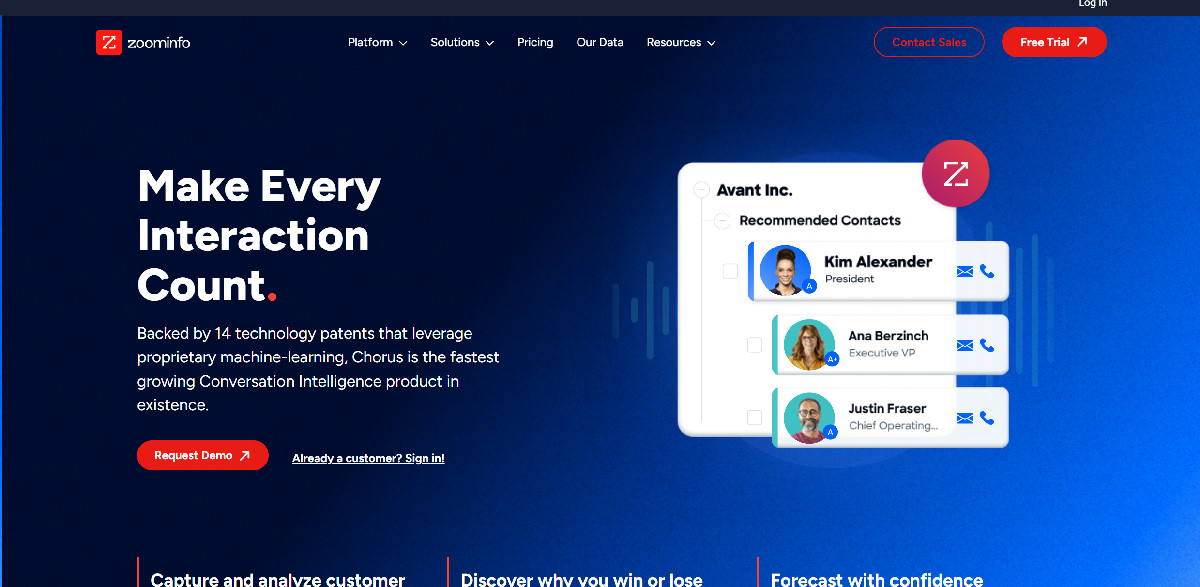
2. Chorus: Record every sales call and mine the transcripts for the patterns that actually close deals.
Why It's Worth Your Time:
- Winning talk tracks: Surface the phrases, objections, and competitor mentions that separate your top reps from the rest of the team.
- Coaching on real calls: Build training playlists from your own recordings instead of leaning on generic role-play decks.
- Deal momentum signals: Flag stalled opportunities, missed next steps, and at-risk renewals straight from conversation data synced into your CRM.
Pricing: Enterprise pricing through ZoomInfo, contact sales for a tailored quote.
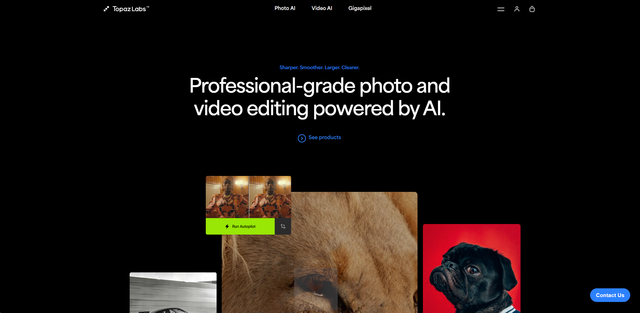
3. Topaz Labs: Rescue low-res, noisy, or shaky footage with next-gen AI models built for serious photo and video pros.
Why It's Worth Your Time:
- Next-gen model lineup: Wonder 3, Astra 2, and Starlight Precise 2.5 deliver the biggest jump in sharpening, denoising, and upscaling quality since Topaz launched its first models in 2018.
- SDR to HDR conversion: The new Hyperion 2 model breathes new life into older video libraries by upscaling standard footage into HDR.
- Premiere Pro panel: Send clips from your timeline into Topaz cloud processing and pull the enhanced versions back without ever leaving the project.
Pricing: Plans start at $59/month, with lifetime license options for individual apps.
|
⏭️ What's Next
Smarter models, watermarked AI images, and a fresh batch of tools worth testing this week. Pick one thing from this issue, put it to work, and I'll see you back here next week with more.
|
How did we do? |
|
|
|




No hay comentarios:
Publicar un comentario