| | Perplexity just announced something pretty striking: a "Personal Computer" that gives you a dedicated Mac mini to run AI tasks around the clock. It points to a future where AI is not just waiting for prompts, but actively handling work in the background across your files and online tools. It also fits a bigger pattern we are seeing this week. Microsoft and Google are both rolling out new features that bring AI more directly into the products people already use every day. The story right now is not just what AI can do, but how quickly it is becoming part of real daily work. In This Issue: - 💥Big News: Perplexity's new 'Personal Computer' lets AI work for you 24/7
- ✨Weekly Spotlight: Learn to run a private AI chatbot right from your own computer
- 🔥Trending Tools: Discover cool new AI tools for everything from course creation to brand health
- 🛠️Deep Dives: Explore tools like Rows AI and Munch for analyzing data and creating social content
| 💥 Big NewsPerplexity is expanding its Computer vision with Personal Computer, a dedicated Mac mini setup that can keep working around the clock. It is built to understand a goal, move across tools, and keep tasks moving even after you step away. Connected to your local apps and Perplexity's secure servers, it acts like a digital proxy for your files, tasks, and workflows from anywhere. Sensitive actions still need approval, and each session includes audit logs plus a kill switch for control.  Why it matters: - AI can keep working after you log off.
- It connects local files with online research.
- You get safeguards, logs, and direct control.
Read more →
Google is adding new Gemini features across Docs, Sheets, Slides, and Drive. The goal is to help you write, organize, and build faster without leaving the apps your team already uses. That means quicker brainstorming in Docs, smarter help with data in Sheets, and easier presentation building in Slides. It brings AI support directly into everyday work instead of making you jump between tools. 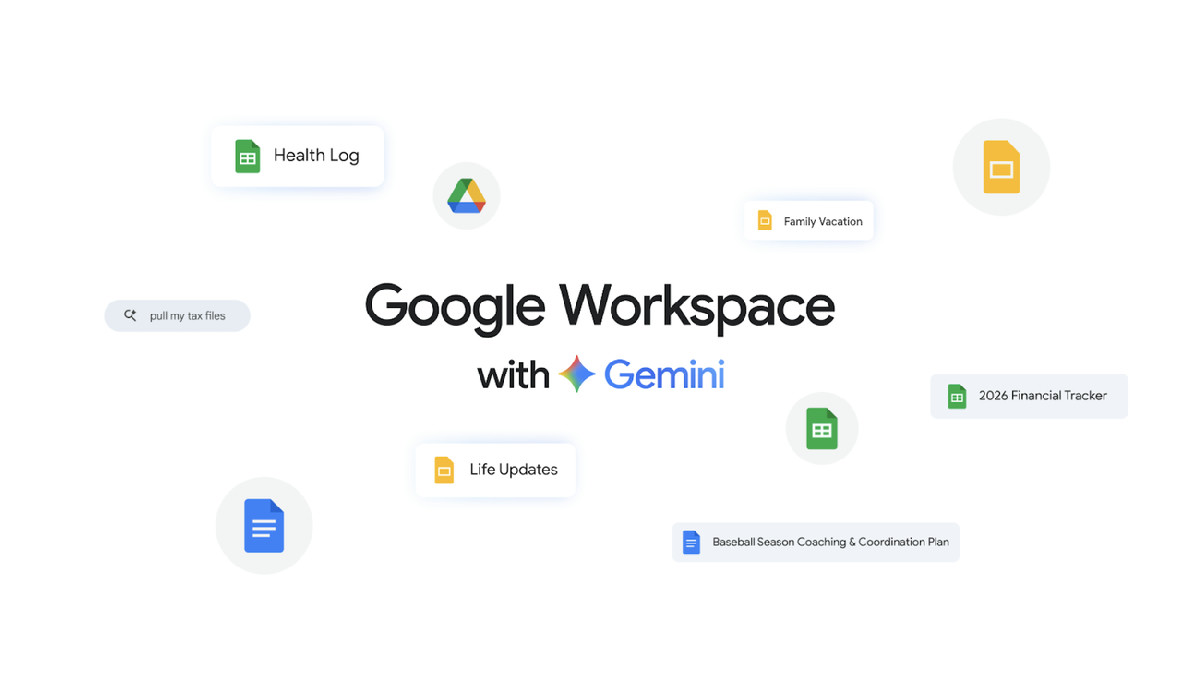 Why it matters: - AI help now lives inside Workspace.
- It speeds up writing, analysis, and slides.
- Teams can stay in one workflow longer.
Read more →
Microsoft is rolling out Copilot Cowork as a new way to get more done across Microsoft 365. It is designed to act more like a teammate that helps move work forward instead of just answering prompts. It can help coordinate tasks, support workflows, and turn intent into action across the apps many teams already use. The result is a smoother workday with less manual follow-up and less busywork.  Why it matters: - Copilot is moving closer to true task execution.
- It works across apps teams already rely on.
- It could cut down daily admin work.
Read more → | ✨ Weekly SpotlightBuild Your Own Website with AI Quickly and Easily In Skill Leap's AI Website Builder Crash Course, we show you how to build and launch a real website using AI tools without writing a single line of code. It is a practical walkthrough for anyone who wants to get a site live faster, whether you are starting from scratch or trying to skip the usual technical roadblocks. The course also covers publishing your site, so you walk away with something real, not just a draft. Key Takeaways: - Design with AI (use tools like ChatGPT to map out your site's structure, messaging, and content before you start building)
- No-Code Building (build with platforms like Hostinger or Lovable so you can create a polished site without needing to code)
- Publish Live (follow the full process from first idea to launch so your website actually goes live)
| |  | Get your AI tool, agency, or service in front of 280k+ AI enthusiasts 🤝 |
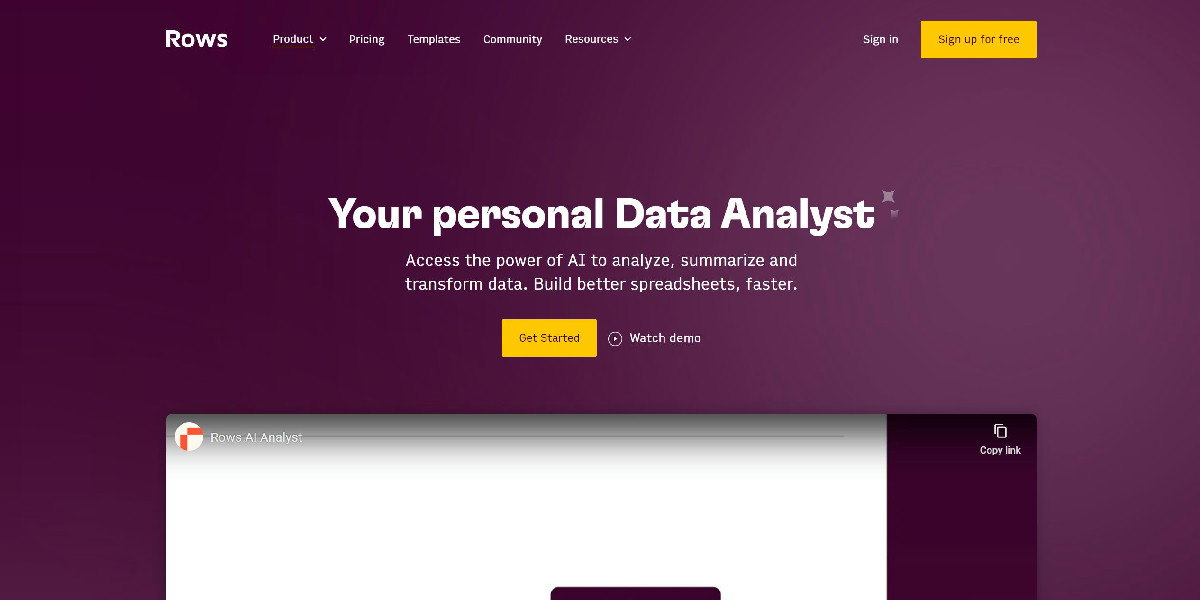
| 🛠️ Deep Dives1. Rows AI: Transforms your spreadsheets into powerful, AI-driven data analysis tools.Why It's Worth Your Time: - AI-powered analysis (turn raw data into clear insights)
- Automate tasks (like cleaning data or generating reports)
- Easy to use (no complex formulas needed, just natural language commands)
Pricing: Freemium plan available, paid versions likely add more features and capacity.
2. Munch: Maximizes video impact by creating trend-optimized social media clips with AI.Why It's Worth Your Time: - Save hours of editing (AI automatically finds best clips)
- Boost social engagement (clips are optimized for trends)
- Repurpose long videos (get more content from existing footage)
Pricing: Not specified, but likely has a free trial or tiered pricing based on usage.
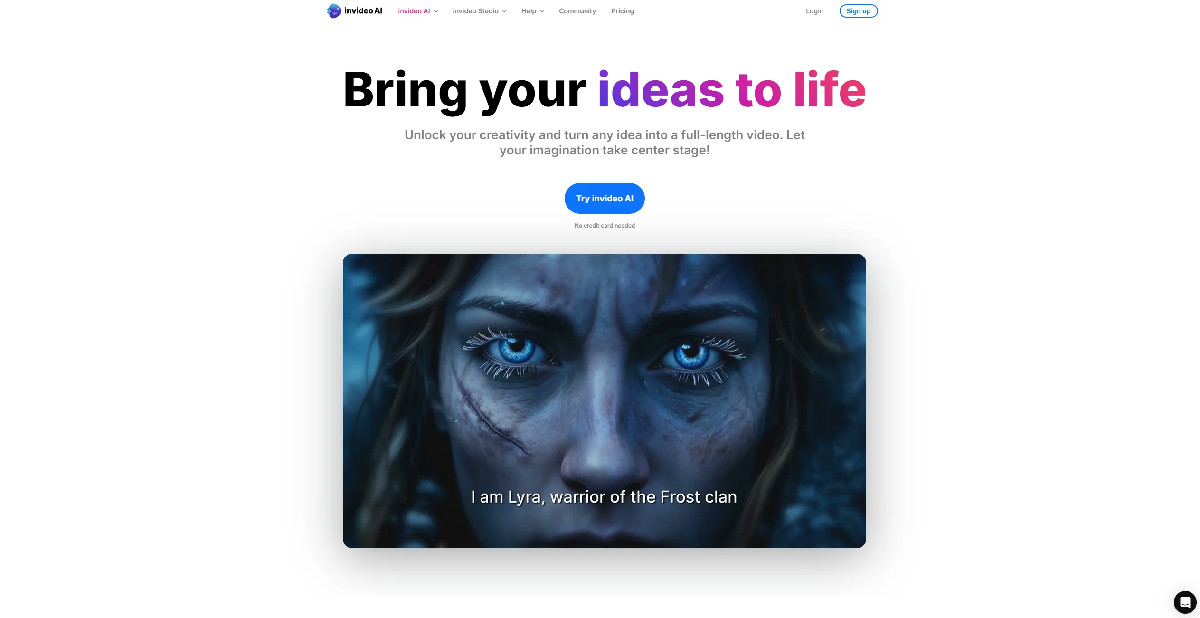
3. invideo AI: Effortlessly transforms text into dynamic, full-length videos with innovative AI.Why It's Worth Your Time: - Text-to-video magic (easily turn scripts into full videos)
- Fast content creation (generate videos in minutes, not hours)
- Professional results (includes visuals, music, and voiceovers)
Pricing: Freemium plan available, paid subscriptions offer more features and higher quality outputs. | ⏭️ What's NextIt's a huge week for integrated AI, with major players embedding AI deeper into the tools we use every day. Take a moment to explore how Perplexity's new 'Personal Computer' could change your workflow, or check out how Google and Microsoft are making your favorite apps smarter. And definitely dive into our Weekly Spotlight if you're curious about running a private AI chatbot. There's so much potential this week to make your digital life easier and more productive! | How did we do? | |
|






No hay comentarios:
Publicar un comentario